When you sign up you will get a free, unlimited access to all features of Wireframe.cc Premium. After 7 days you will be asked to pick a paid plan that works for you. Your projects will not be deleted even if you decide not to do that - you can come back any time.
wireframe|cc
Create better wireframes with an app fine-tunedfor wireframing
Essential tools made simpler and smarter. Nothing to distract or slow you down. Achieve the right level of detail faster.
See how it works



01
Click and drag to draw
02
Choose element type
03
Click to edit an element
04
Click inside a selected element to insert text
04
Drag in this direction to select many elements
Replay demo
Featured by:
 Scroll down
Scroll down
Sign Up
A different wireframing tool
Most other design tools are too complex for wireframing
You run the risk of becoming too invested in unnecessary details and styles too early, which can make iteration difficult and time-consuming.
Drawing
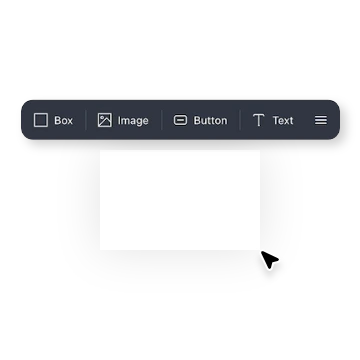
Click and drag to draw.To create an element, draw a rectangle on the canvas and then select the stencil that you want to insert. To edit the element, click on it.
Style
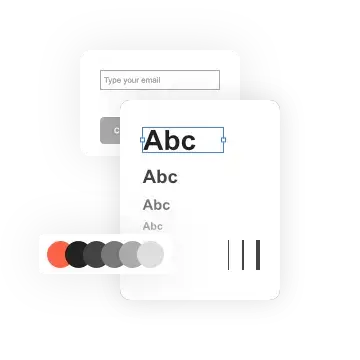
A limited palette of colors and options can help you avoid wasting time on unneeded details, allowing you to focus on what truly matters.
Interface
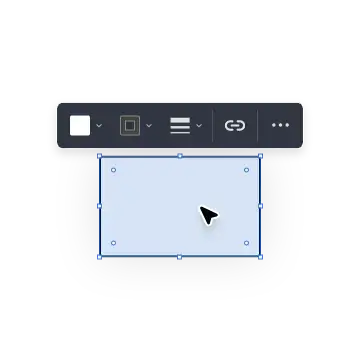
Simple, context-sensitive UI.
Smart features are there when you need them and hidden when you don't.
Sections
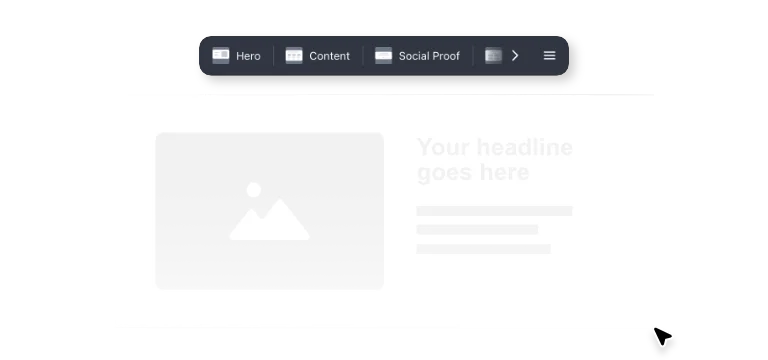
Pre-built sections.
Speed up your design workflow: Start by drawing a full-width area, then choose and add a section from the pre-built library to complete your layout.
Templates
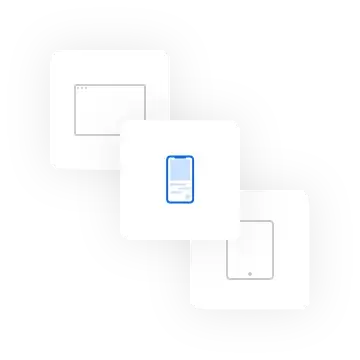
Wireframes for any screen. Create wireframes for the web, mobile devices, or any custom screen.
Interactive
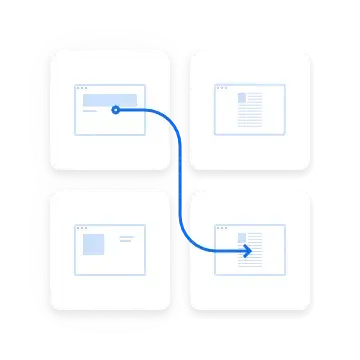
Clickable wireframes.
Link pages together to create simple clickable prototypes and test the user flows.
Power and simplicity
Free & premium versionsavailable
A basic version of the app is available for free. In the free version, every wireframe that you save receives a unique URL that you can bookmark or share. The Premium version separates the editor and preview mode. It offers a private dashboard containing all of your projects, as well as shareable links that can be used for previewing but not editing.
Free version
- No user accounts
- Public wireframes ?
- Single-page wireframes
Premium version
- Your private account
- Private wireframes ?
- Multi-page wireframes
- Clickable wireframes ?
- Master pages ?
- Export to PDF & PNG ?
Premium version pricing
Start your free trial
Try every feature for free for 7 days.No credit card required.

Frequently asked questions
No – your free trial comes with all of our Premium features. You won’t have to select a plan until your trial expires.
Yes, you can easily upgrade, downgrade or cancel your plan at any time. There is no minimum duration of the membership period, no hidden fees and no questions asked. When you cancel your subscription the membership will be valid until the end of the billing period.
You can pay with Visa, Mastercard, American Express, Discover, JCB or PayPal. The billing period starts on the day you upgrade to a paying plan. You will be billed in advance on a monthly or annual basis. Payments are handled securely by FastSpring.
All data is backed up daily and stored in multiple locations. All plans come with SSL encryption. Your projects can only be edited by you or your team.
Wireframe.cc Premium supports the latest versions of Chrome, Safari, and Firefox. It may be probably possible to use it in other browsers, but we can't guarantee it.
If you have any further questions about the premium features, pricing, or the sign-up process you can email us at info@wireframe.cc